Fix: Flutter WebView Tap Gestures Stop Working After Scrolling in NestedScrollView (iOS)
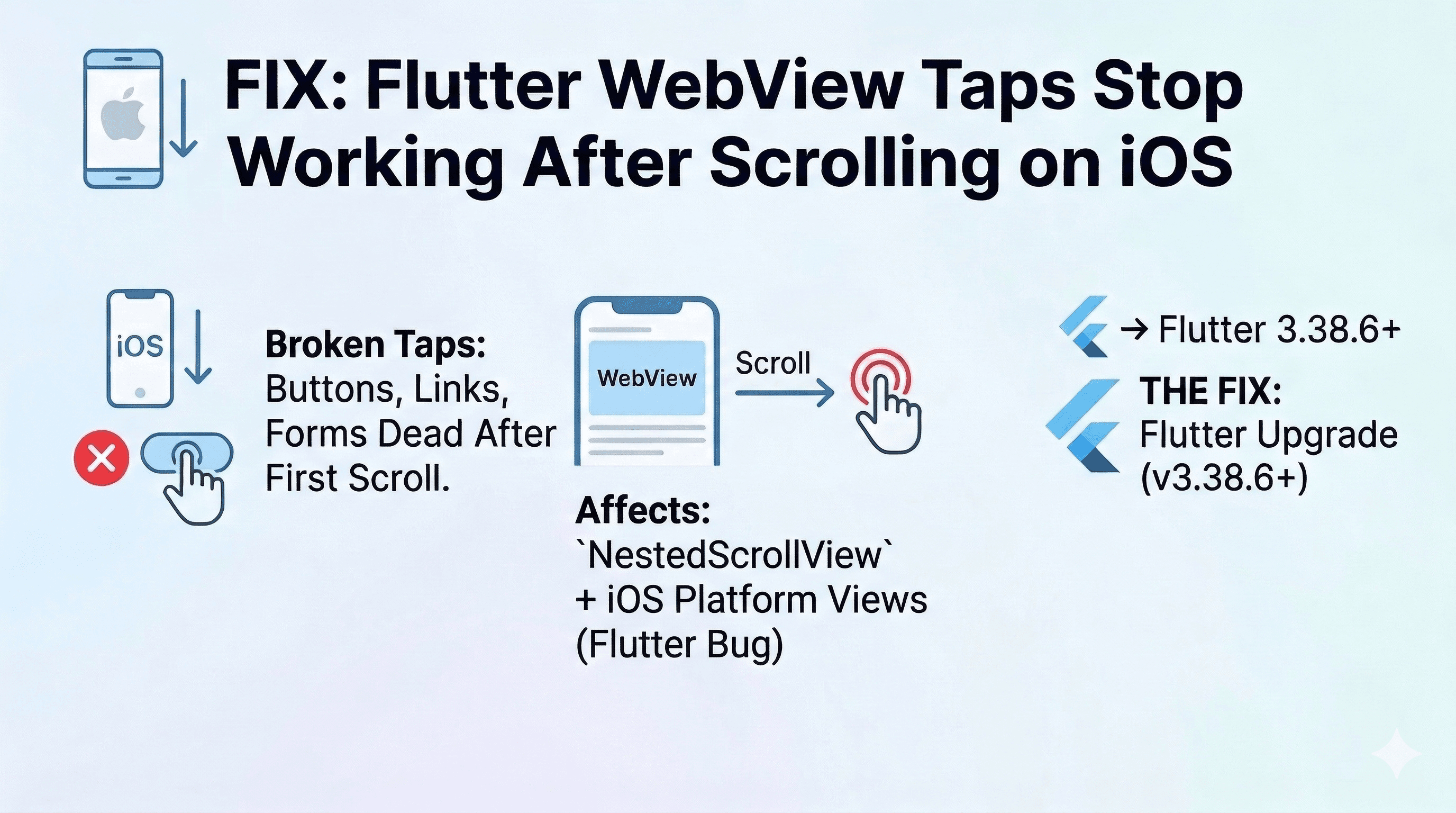
TL;DR: A confirmed Flutter framework bug (flutter/flutter#175099) causes all tap gestures on WebViews embedded inside a NestedScrollView to stop working after the first scroll interaction on iOS. The fix is upgrading Flutter to version 3.38.6 or later. No code changes required.
This post assumes familiarity with Flutter, WebViews, and scroll widget composition. If you're new to platform views in Flutter, start with the official Platform Views documentation.
What Is This Bug?
Flutter WebView tap gesture failure is a framework-level bug where tap events (links, buttons, form inputs) on a WebView widget stop registering after the user scrolls within a NestedScrollView container on iOS. The WebView renders correctly and scroll gestures continue to work, but all tap and click interactions become completely unresponsive.
This affects apps using either webview_flutter or flutter_inappwebview when the WebView is placed inside a NestedScrollView, CustomScrollView, or any nested scrollable layout.
The Problem
Our app has a tabbed page built with a NestedScrollView, a pinned tab bar, and an IndexedStack of tab contents in the body. Multiple tabs render web content via flutter_inappwebview WebViews set to a fixed calculated height:
Each WebView tab wraps the content in a SingleChildScrollView with a SizedBox at the measured content height, while vertical scrolling on the WebView itself is disabled — letting the NestedScrollView handle all scrolling:
This worked fine — until it didn't. After the initial scroll interaction on an iOS device, every tap gesture on the WebView stopped responding. Links, buttons, form fields — nothing registered. The WebView rendered correctly and scrolling still worked, but all tap/click events were swallowed silently.
Root Cause Analysis
The root cause is a broken interaction between Flutter's gesture system and iOS platform views inside nested scroll containers.
Here's what happens step by step:
Flutter renders WebViews as platform views — native iOS
UIViewinstances embedded in the Flutter layer tree.When the user scrolls, the
NestedScrollViewclaims the scroll gesture through Flutter's gesture arena.Flutter previously shipped a workaround for an iOS 18.2 gesture-blocking regression (flutter/flutter#158961).
That workaround broke the gesture-blocking system entirely for platform views inside scrollable containers.
Once the
NestedScrollViewclaimed the scroll gesture, the platform view's hit-test area was never properly restored for tap events.
This is ultimately an Apple-side bug in how iOS handles gesture recognizer priorities on platform views. The Flutter team reverted their original workaround and shipped a proper fix in stable 3.38.6 via PR #180522.
The Fix
Upgrade Flutter to version 3.38.6 or later:
No code changes required. The framework-level fix restores correct gesture dispatch to platform views after scroll interactions.
How to Know If You're Affected
You likely have this bug if all of the following are true:
You embed one or more WebViews (via
webview_flutterorflutter_inappwebview) inside aNestedScrollView,CustomScrollView, or any nested scrollableTap gestures on the WebView work on first render but break after scrolling
You're running a Flutter version older than 3.38.6
The issue only appears on iOS (Android is unaffected)
Trade-offs of Upgrading Flutter
Upgrading Flutter versions mid-project carries some risk — breaking changes in other areas, plugin compatibility issues, and Xcode/Gradle version requirements. In our case the upgrade from 3.27 to 3.41 was clean, but your mileage may vary. Pin your version in .fvmrc and test thoroughly before shipping.
Frequently Asked Questions
Why do WebView taps stop working after scrolling in Flutter?
A Flutter framework bug causes the gesture-blocking system to fail for platform views (including WebViews) inside nested scroll containers on iOS. After the scroll view claims the scroll gesture, tap events are never re-enabled on the platform view. Upgrading to Flutter 3.38.6+ fixes this.
Does this bug affect Android?
No. This is an iOS-only issue caused by how Apple's UIKit handles gesture recognizer priorities on platform views.
Do I need to change my code to fix this?
No. The fix is entirely in the Flutter framework. Upgrading to Flutter 3.38.6 or later resolves the issue without any application code changes.
Which WebView packages are affected?
Both webview_flutter and flutter_inappwebview are affected, since both use iOS platform views under the hood.
Further Reading
flutter/flutter#175099 — Original issue report for WebView tap interaction failure
flutter/flutter#158961 — Earlier iOS 18.2 gesture regression that triggered the broken workaround
PR #180522 — The framework fix shipped in Flutter 3.38.6
Flutter Platform Views documentation — How Flutter handles native views on iOS and Android
flutter/flutter#35394 — Related: nested scrolling with WebView
flutter_inappwebview gesture issues — Related gesture problems in flutter_inappwebvie